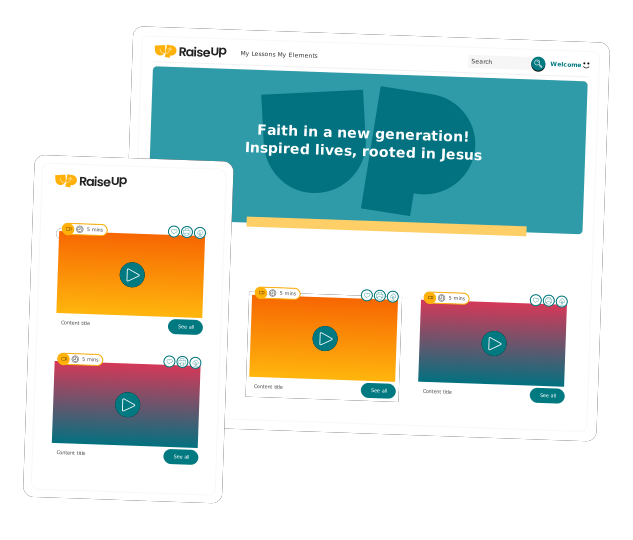
Introducing Custom Folders
Custom Folders are here to help you organize your resources your way. Learn how to group lessons, activities, and curriculum inside your Team Workspace so your team can plan ahead, stay aligned, and find what they need faster.

Finally—A Better Way to Organize Your Ministry Resources
If you’ve ever spent time digging through saved lessons, favorited activities, or trying to remember where you put that one perfect game… you’re not alone.
Until now, organizing your resources meant working within fixed folders and limited flexibility. It got the job done, but it didn’t always match how your team actually works.
That’s where Custom Folders come in.
A New Home for Your Resources: Team Workspace
You’ll find Custom Folders inside your Team Workspace (previously called My Resources).
This space brings everything together in one place:
Shared folders your team is using
Your own personal folders
Active downloads
Download History
It’s your central hub for planning, organizing, and accessing resources, whether you’re working on your own or alongside a team.
What Are Custom Folders?
Custom Folders are a shared space inside your team workspace where you can organize content your way.
Instead of being locked into default folders, you can now:
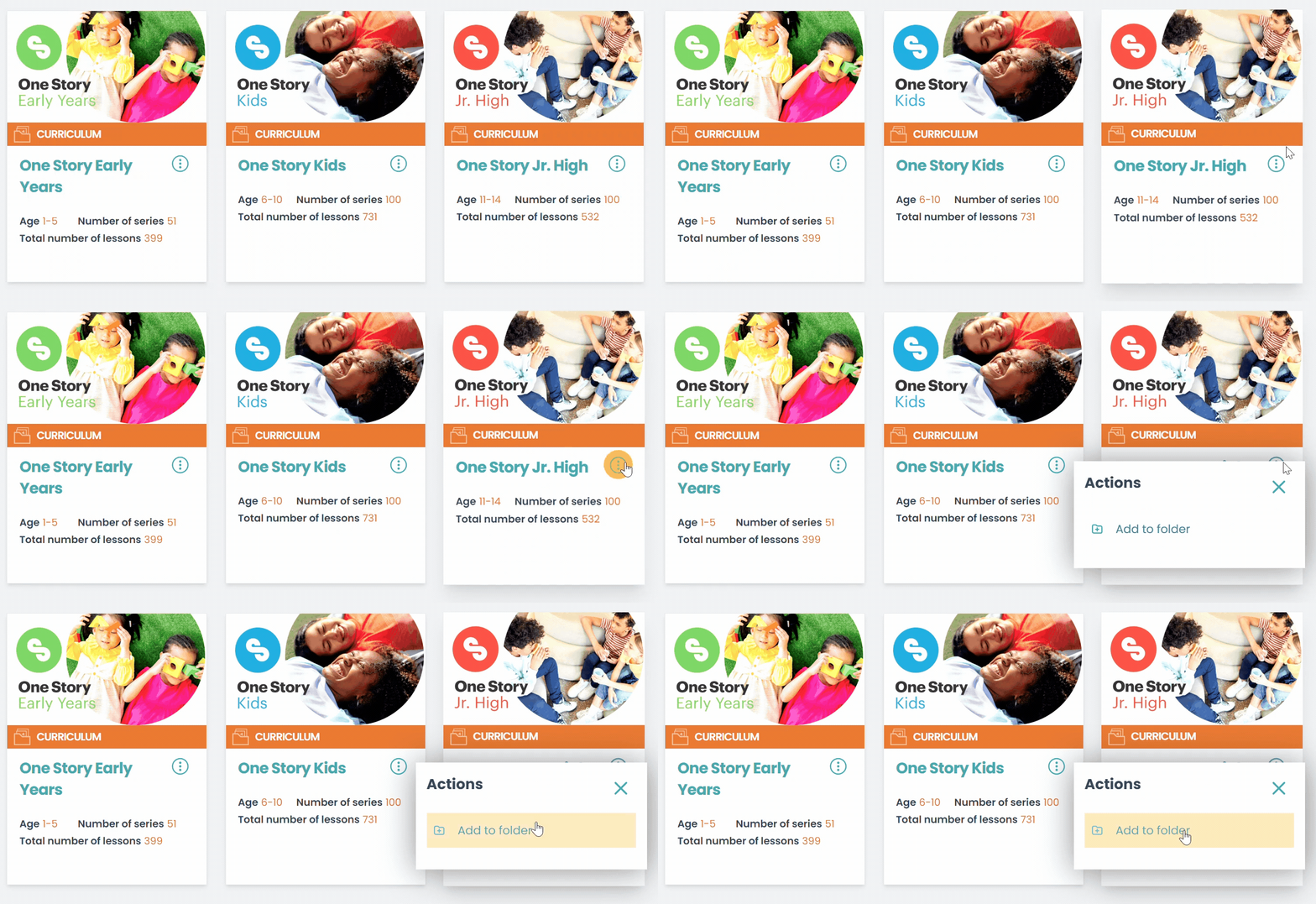
Add any resource (curriculum, series, lessons, activities) to any folder
Create up to 50 folders, each with custom names and colors
Set up shared folders within your team workspace
Add the same resource to multiple folders
Move, remove, and reorganize content easily
Think of it like organizing your resources the same way you already think about them—by team, season, age group, or purpose.
Built for How You Actually Plan
Custom Folders are designed to support real ministry workflows, not force you into a system.
Here are a few ways you might use them:
1. Group Activities by Type
Keep all your go-to games, crafts, or songs in one place so they’re easy to find when planning. No more scrambling for last-minute ideas.
2. Organize Lessons by Team or Season
Set up folders for:
Preschool
Elementary
Youth
Special events
You can even color-code them so your team instantly knows where to go.
3. Plan Months (or a Full Year) in Advance
Map out your teaching schedule by organizing entire series and curriculum into one place.
It’s like building your own custom roadmap for the year—clear, visual, and easy to adjust.
4. Simplify Big Events Like VBS
Give each team or station its own folder with everything they need:
Lessons
Activities
Supplies
No confusion. No back-and-forth. Just one place to find it all.
If you’re already customizing lessons, Custom Folders make the next step seamless.
Once a lesson is adapted, you can save it directly into the right folder, so it’s exactly where your team expects to find it, without extra steps.
Start Organizing Your Way
Ministry planning is already complex enough. Your tools shouldn’t make it harder.
With Custom Folders, you can finally organize your resources in a way that makes sense for your team, your schedule, and your ministry.
✨ Custom Folders are now live on RaiseUpFaith.
Subscribers can now organize their resources in a whatever way fits their ministry best.
Want to see how it works?
Not a subscriber yet?
Sign up for your Free Sampler account today!
Get instant access to everything you need, and more than you could ever imagine, for every ministry moment. Thousands of lessons, games, activities, crafts, and worship media assets are ready for you!
Create Free Sampler Account